

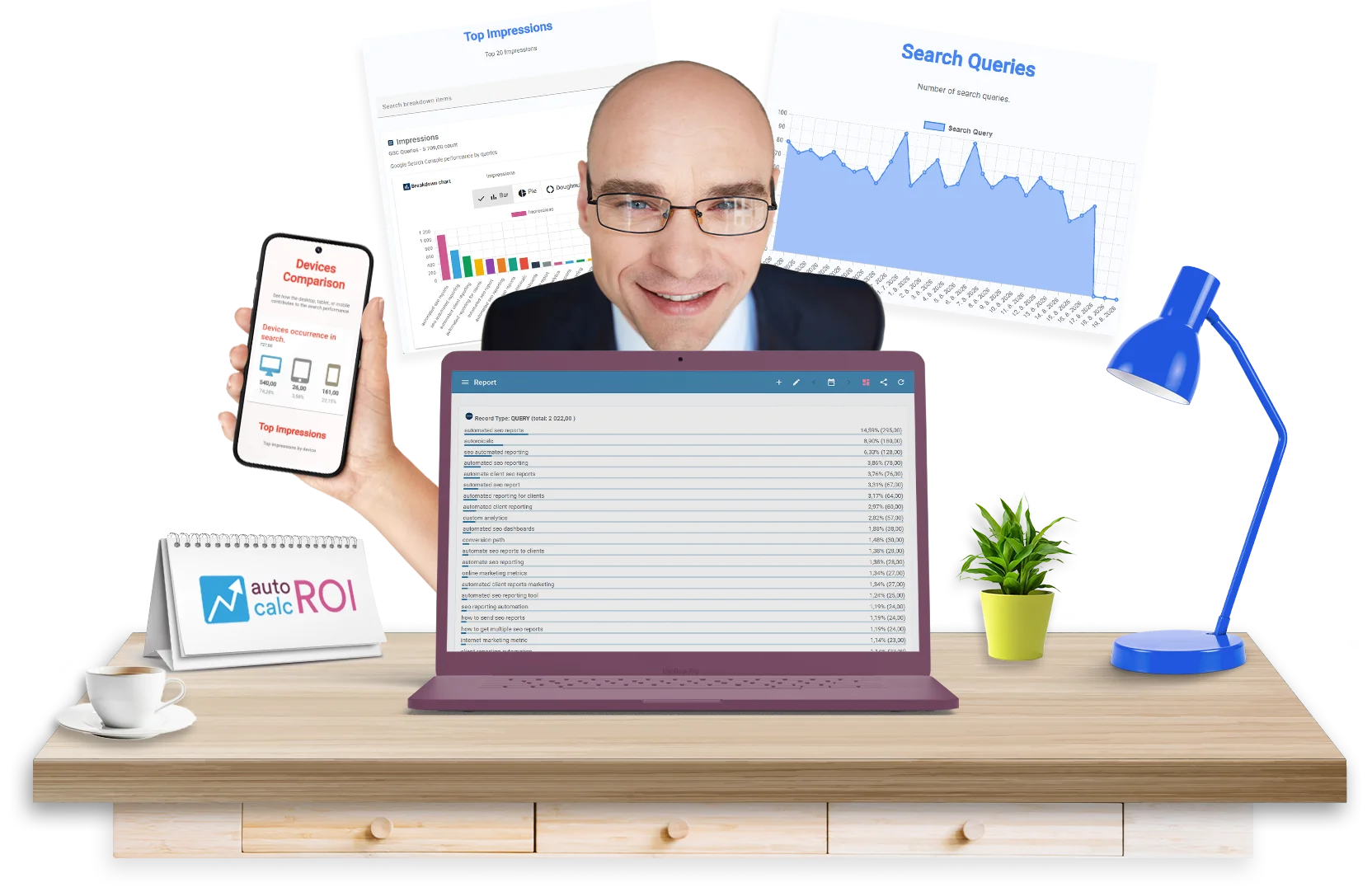
Create client-ready SEO reports
From Google Search Console, GA4, and other marketing data sources without rebuilding reports by hand every month.
For Agencies, Freelancers, and Marketing Teams
Client SEO reporting often means collecting data, exporting screenshots, formatting tables, writing summaries, and sending the same style of update again and again. AutoROICalc helps you turn that workflow into a repeatable reporting system.
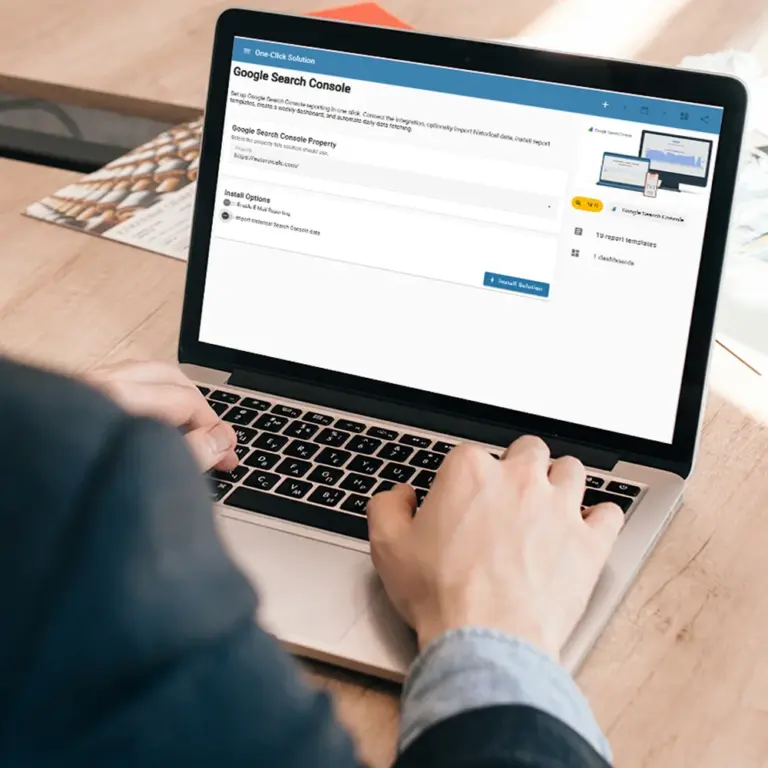
- Schedule recurring SEO reports for clients and stakeholders.
- Show Search Console clicks, impressions, positions, queries, and landing pages.
- Combine SEO data with GA4, campaign, sales, or custom business data.
- Use custom dashboards instead of static spreadsheet exports.
Keep Clients Updated Without Manual Work
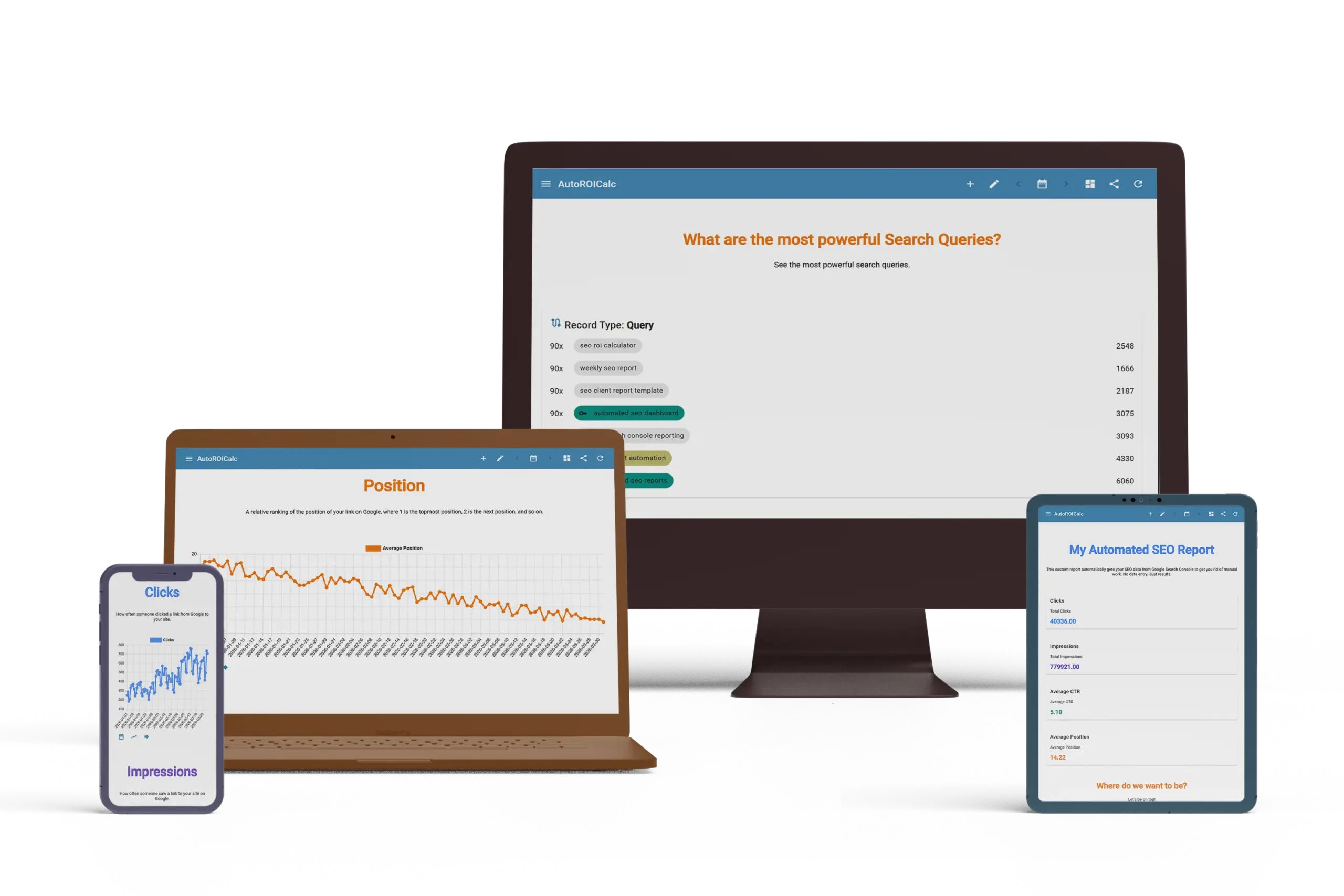
Automated reporting makes client communication more consistent. Reports can be prepared daily, weekly, or monthly, so clients always have a clear view of search performance and campaign progress.
FAQs
What are automated client SEO reports?
Automated client SEO reports are recurring reports that pull SEO and marketing data into a reusable dashboard, so agencies, freelancers, and marketing teams do not have to rebuild the same reports manually every month.
Who are client SEO reports useful for?
They are useful for SEO agencies, freelancers, consultants, marketing teams, and anyone who needs to keep clients or stakeholders updated on search performance and campaign progress.
What data can be included in a client SEO report?
Client SEO reports can include Google Search Console data such as clicks, impressions, average positions, queries, and landing pages. They can also include GA4, campaign, sales, or custom business data.
Can reports be scheduled automatically?
Yes. Reports can be prepared daily, weekly, or monthly, helping clients receive consistent updates without repeated manual exports, screenshots, or spreadsheet formatting.
Why use dashboards instead of spreadsheet exports?
Dashboards make SEO reporting easier to reuse, update, and share. Instead of sending static spreadsheet exports, you can show charts, tables, KPIs, and performance trends in a clearer client-ready format.
Can automated SEO reports help with client communication?
Yes. Automated reporting helps keep communication consistent by giving clients a clear view of search visibility, landing page performance, and campaign progress on a regular schedule.