

Automated SEO reports and dashboards – this is how it starts
A practical workflow for turning Google Search Console and analytics data into automated SEO reports and dashboards.
1. Connect Your SEO Data Sources
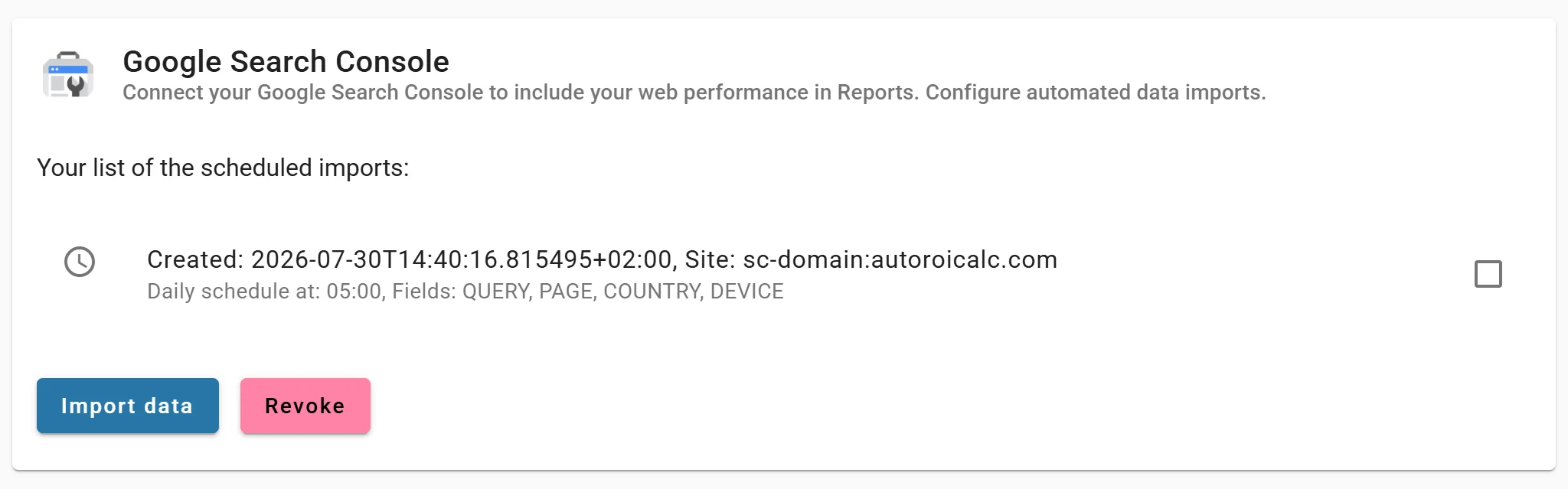
Start with Google Search Console for search performance data such as clicks, impressions, average position, queries, pages, countries, and devices. Add GA4 or other marketing data sources when you need a broader performance view.
2. Choose the Metrics That Matter
Not every report needs every metric. A client report may focus on visibility, clicks, top pages, and progress over time. An internal SEO dashboard may include deeper query and landing-page analysis.
3. Build a Reusable Dashboard
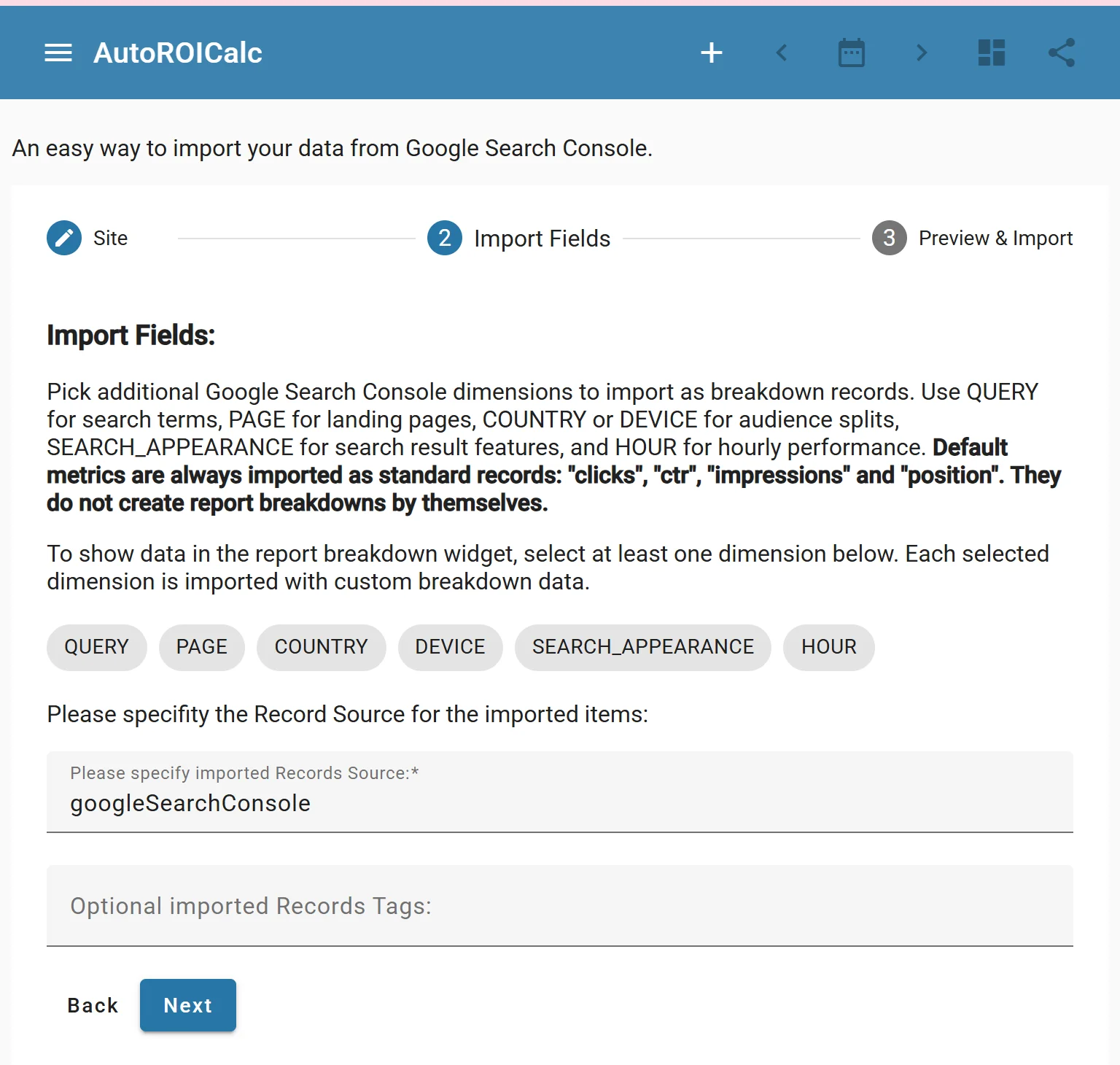
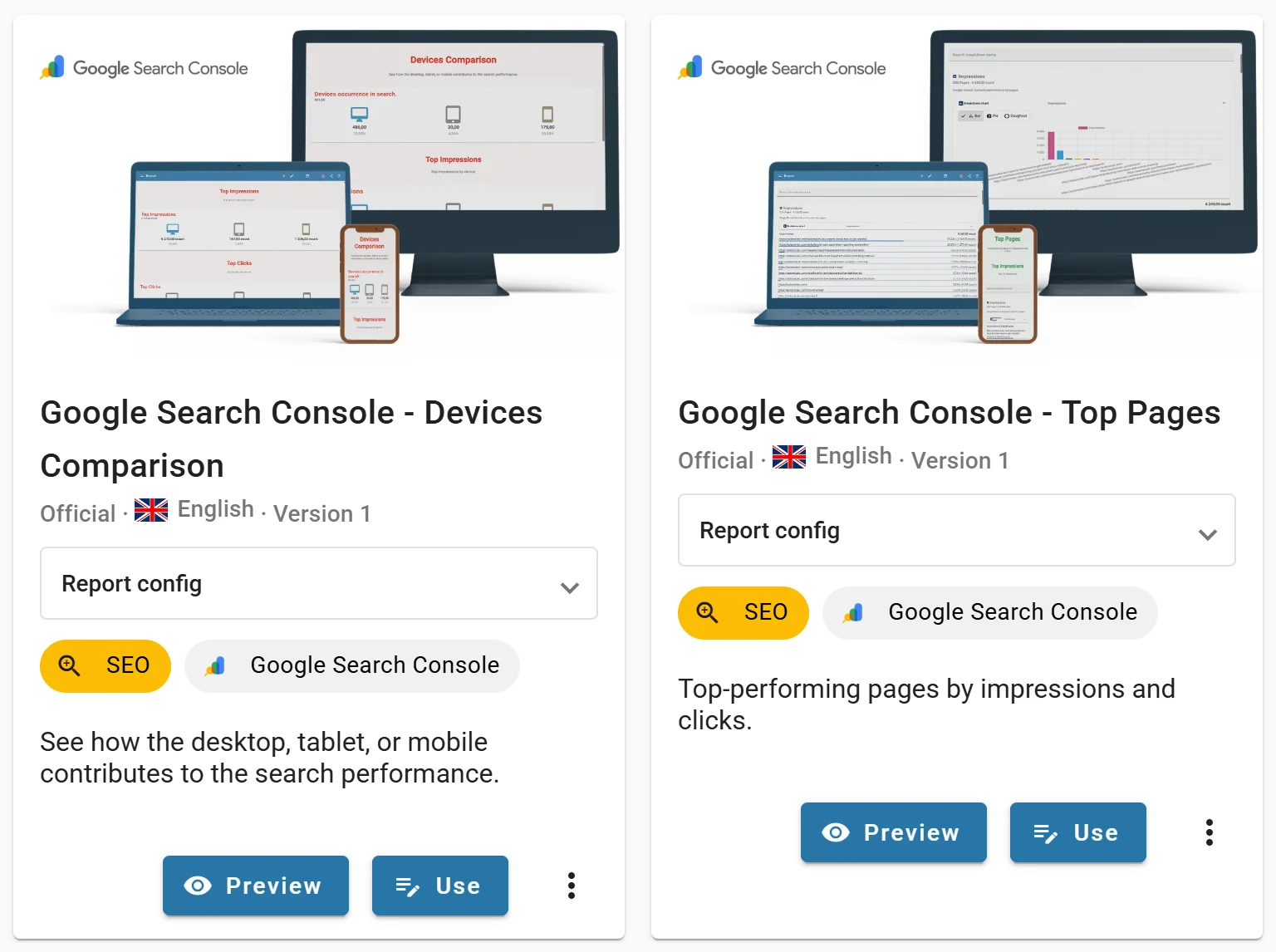
Create reusable charts, tables, KPI values, filters, and report sections. Once the dashboard is built, the same report structure can refresh automatically with new data.
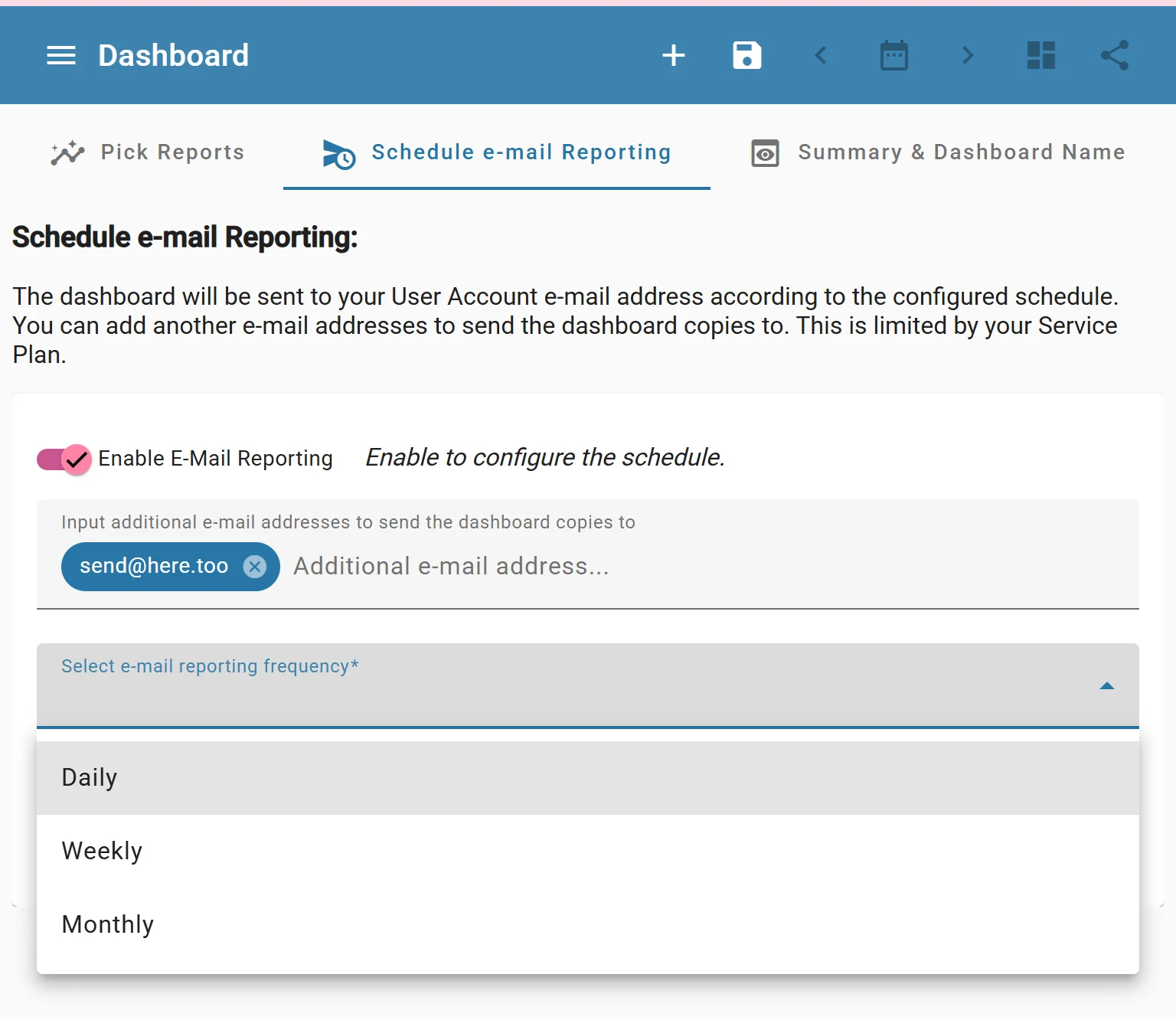
4. Schedule Report Delivery
Automated reports can be prepared daily, weekly, or monthly. This keeps clients and teams informed without repeated exports, screenshots, and manual formatting.
5. Review and Improve
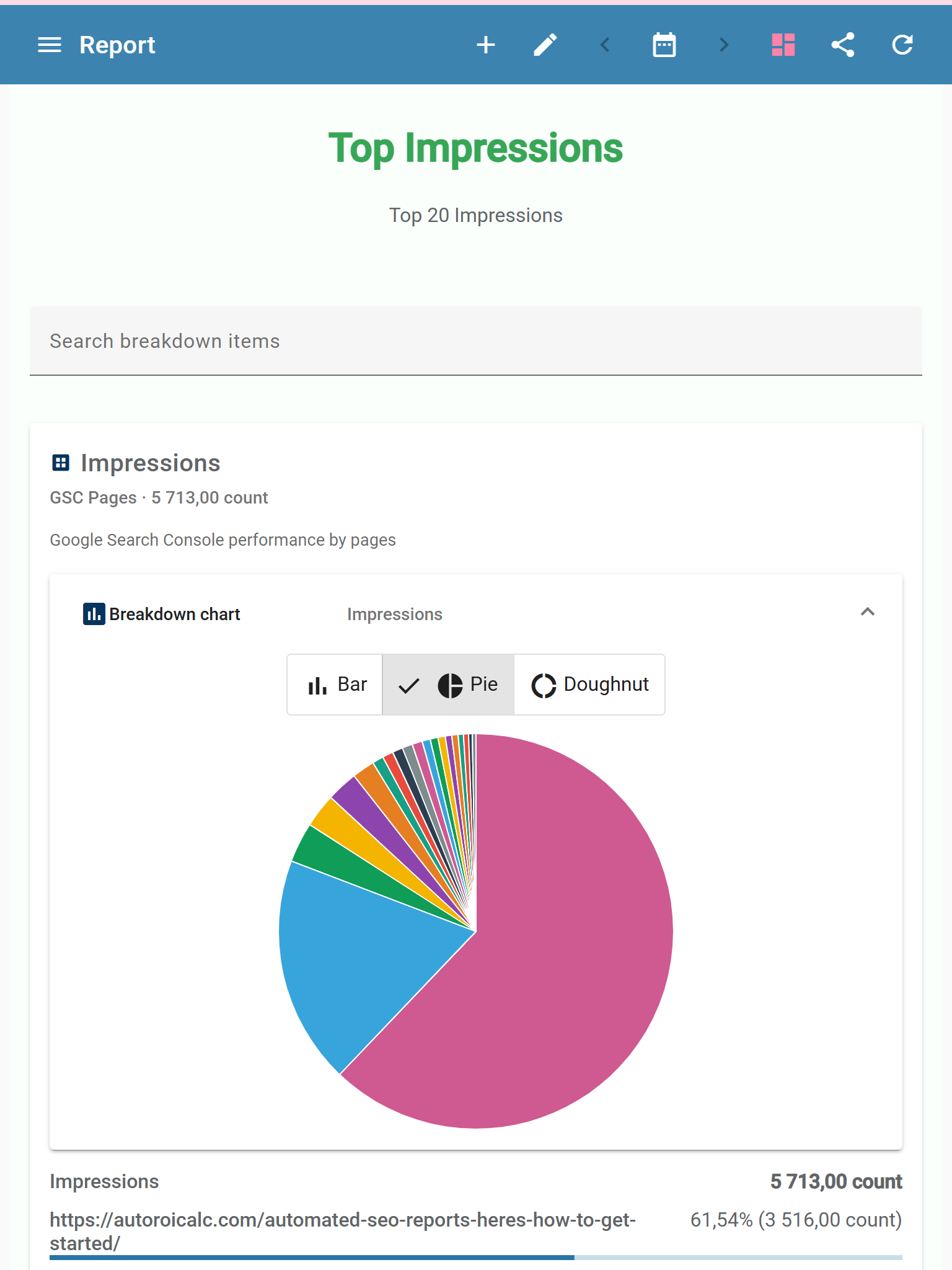
Use the report to spot search visibility changes, page performance trends, query opportunities, and topics that deserve more attention.
FAQs
How do you automate SEO reports?
You automate SEO reports by connecting SEO data sources such as Google Search Console and GA4, choosing the metrics you want to track, building a reusable dashboard, and scheduling the report to refresh or be delivered regularly.
What data sources can be used for automated SEO reporting?
Google Search Console is a strong starting point for clicks, impressions, average position, queries, pages, countries, and devices. GA4 or other marketing data sources can be added when you need a broader view of website performance.
Which SEO metrics should an automated report include?
Common SEO report metrics include clicks, impressions, average position, top queries, landing pages, visibility trends, country data, device data, and progress over time.
Can automated SEO reports be used for client reporting?
Yes. Automated SEO reports are useful for client reporting because they reduce manual exports, screenshots, and formatting while keeping clients updated with regular performance data.
How often should SEO reports be scheduled?
SEO reports can be scheduled daily, weekly, or monthly. Weekly or monthly reporting is often best for clients, while internal SEO teams may prefer more frequent dashboards for monitoring changes.
Why use a reusable SEO dashboard?
A reusable SEO dashboard saves time because the charts, tables, KPI values, filters, and report sections only need to be built once. After that, the same structure can refresh with new data.
What can you learn from automated SEO reports?
Automated SEO reports can help identify search visibility changes, page performance trends, keyword opportunities, and topics that may need more attention.